
Here’s an overview of the Best USB Bluetooth Adapters that we’ll explore today:
Bluetooth adapters have become essential tools for enhancing wireless connectivity in PCs and laptops, especially for users who lack built-in Bluetooth functionality. These devices allow seamless connection to peripherals such as headphones, keyboards, mice, and speakers, making them indispensable for both productivity and entertainment. This review examines five USB Bluetooth adapters across a range of price points ($5.69 to $17.99), focusing on performance, compatibility, and overall value. Each adapter was tested for data transfer speed, connection stability, range, ease of installation, and multi-device support. The products reviewed include models from ASUS, TP-Link, Techkey, and UGREEN, offering a mix of budget-friendly and premium options.
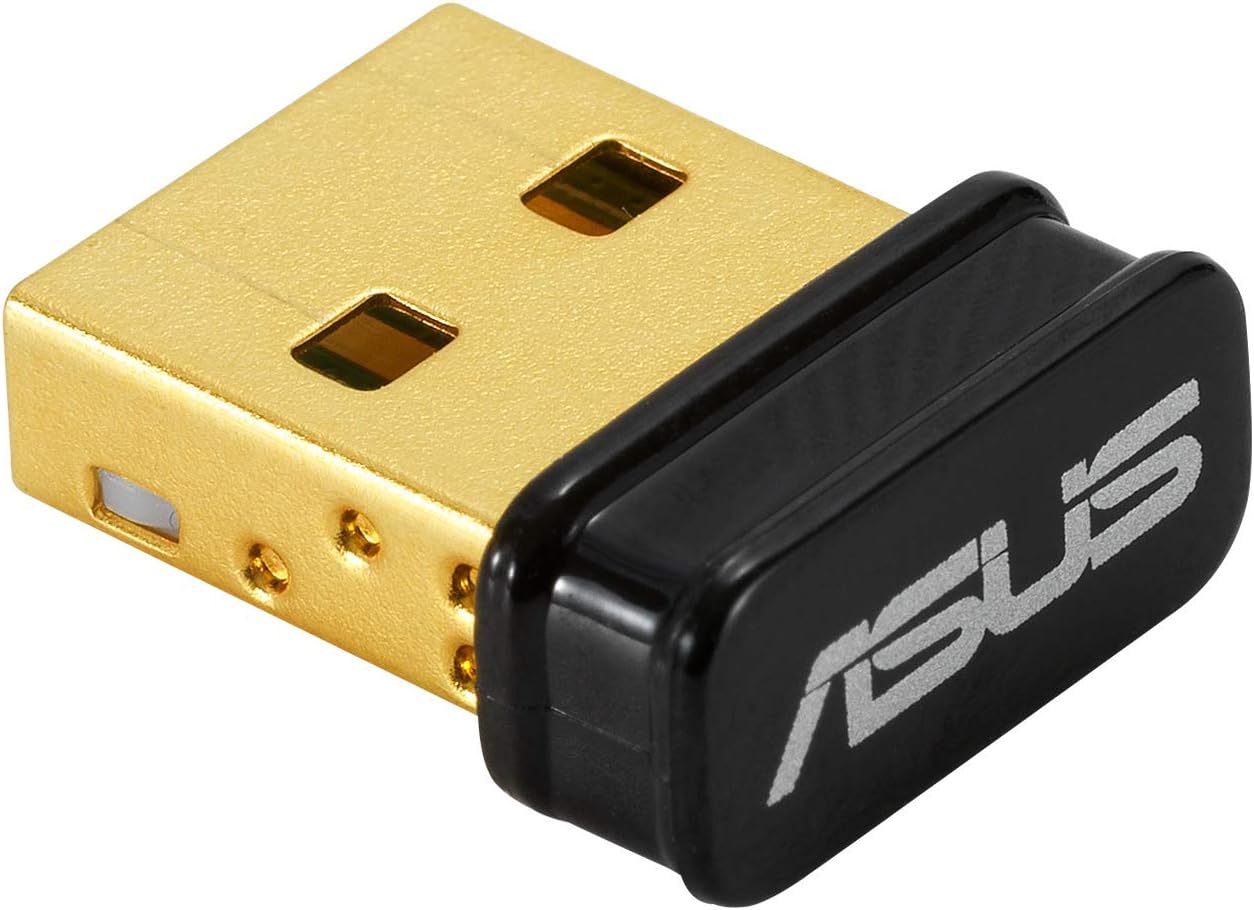
1. ASUS USB-BT500 Bluetooth 5.0 USB Adapter with Ultra Small Design
- Brand: ASUS
- Manufacturer: ASUS
The ASUS USB-BT500 stands out with its Bluetooth 5.0 technology, offering faster data transfer speeds and extended range compared to older standards. Its ultra-small design is highly portable, making it ideal for users who need a discreet, plug-and-play solution. The adapter is backward compatible with Bluetooth versions 2.1/3.x/4.x, ensuring broad compatibility with various devices. Additionally, the inclusion of Bluetooth Low Energy (BLE) technology helps conserve power, making it a great choice for energy-conscious users.
In testing, the ASUS USB-BT500 delivered reliable performance for tasks like streaming audio to headphones and transferring files between devices. Its compact design ensures it doesn’t obstruct adjacent USB ports, but the small size can make it harder to remove. While the adapter excels in general use, its data transfer rate of 4 Mbps is slightly lower than some competitors, which may impact users handling large file transfers. It’s a solid option for users seeking a balance between portability and functionality.
Pros
- Compact and portable design
- Bluetooth 5.0 for faster speeds and extended range
- Power-saving BLE technology
- Broad backward compatibility
Cons
- Lower data transfer rate compared to competitors
- Small size can make removal tricky
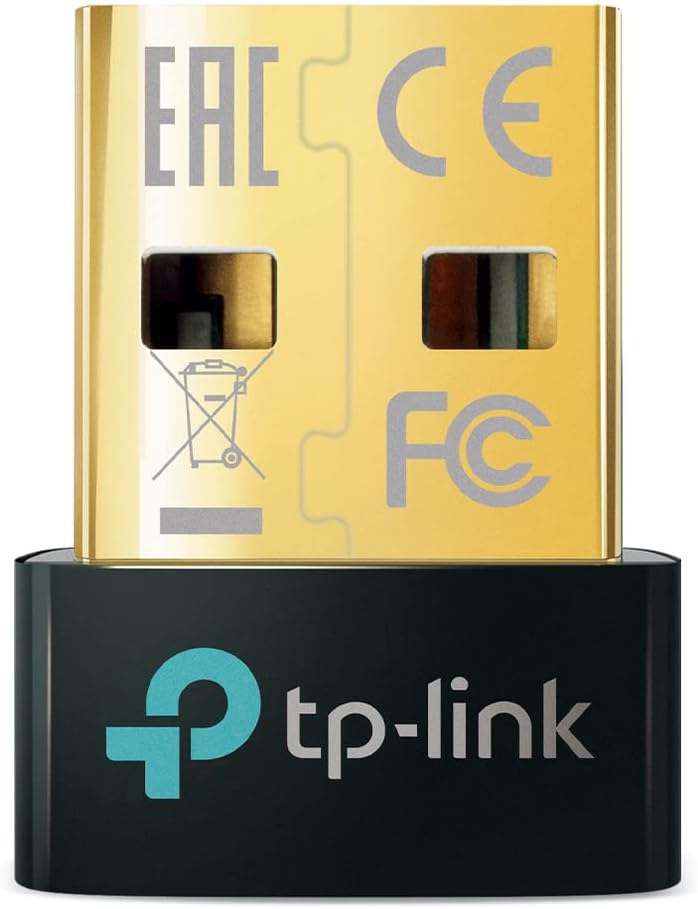
2. TP-Link USB Bluetooth Adapter for PC
- Brand: TP-Link
- Manufacturer: TP-Link
The TP-Link UB500 offers Bluetooth 5.0/5.3 support, providing enhanced speed and range over older standards. Its nano-sized design allows users to leave the adapter plugged in without interference, making it ideal for laptops. It includes Enhanced Data Rate (EDR) and BLE technology for efficient power consumption and faster data transfers. The adapter is compatible with Windows systems and supports controllers like PS5/PS4/Xbox when used with PCs.
During testing, the UB500 excelled in maintaining stable connections across multiple devices, such as headphones and keyboards. Its plug-and-play functionality for Windows 10/11 simplifies installation, though users on Windows 7 need to download drivers. While the adapter performs well in general use, it’s limited by its incompatibility with Mac, Linux, and certain gaming consoles. Overall, this is a reliable choice for users prioritizing ease of use and broad compatibility within the Windows ecosystem.
Pros
- Bluetooth 5.3 for superior speed and range
- Plug-and-play functionality for Windows 10/11
- Compact nano-sized design
- Supports multiple device connectivity
Cons
- Incompatible with Mac and Linux systems
- Driver installation required for Windows 7
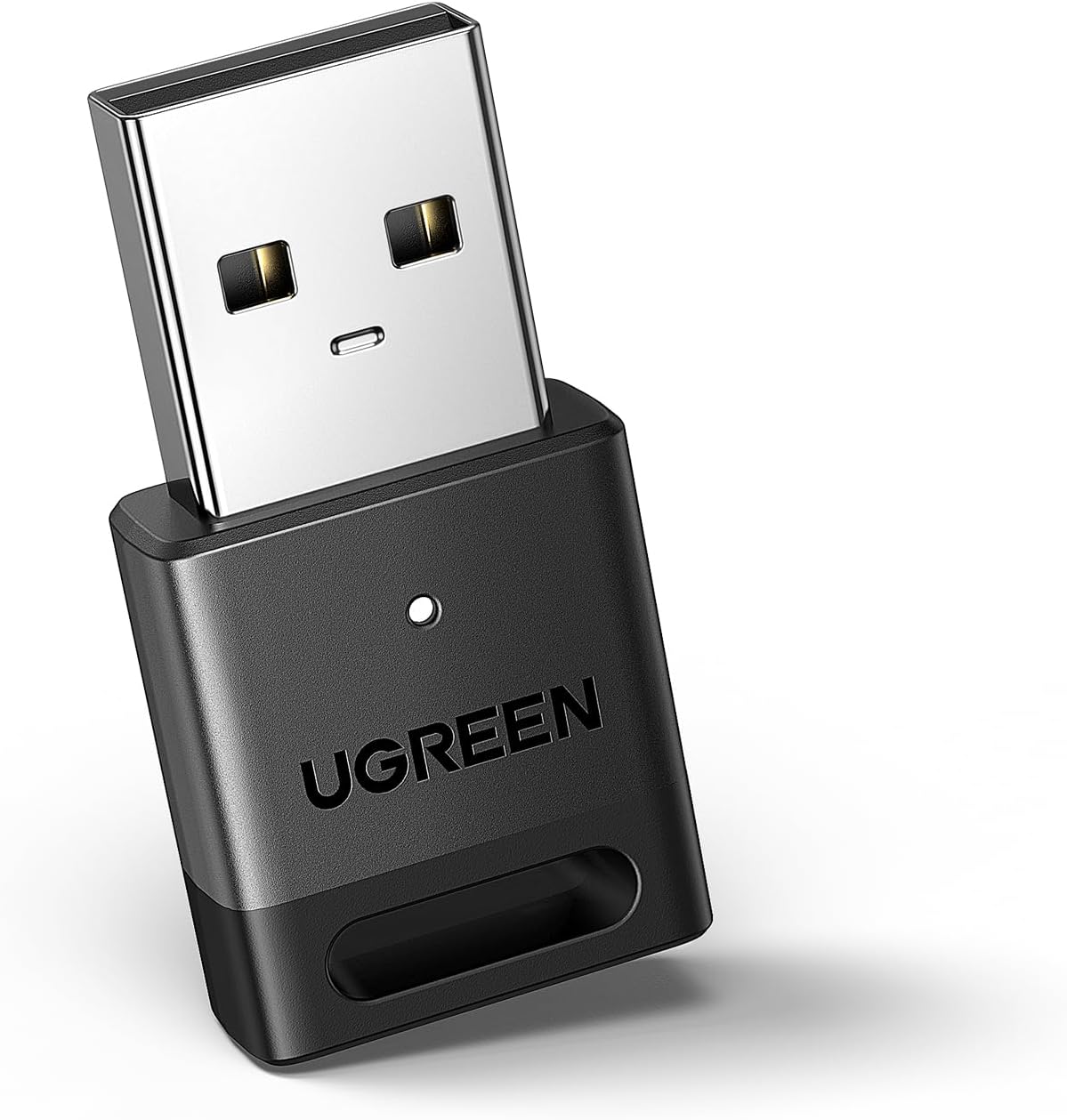
3. UGREEN USB Bluetooth 5.3 Adapter for PC
- Brand: UGREEN
- Manufacturer: UGREEN
The UGREEN Bluetooth adapter leverages Bluetooth 5.3 technology for improved connection stability, reduced power consumption, and faster data transfers. It supports up to five simultaneous device connections, making it ideal for users with multiple peripherals. Its compact design ensures it doesn’t block adjacent USB ports, and plug-and-play functionality for Windows 10/11 eliminates the need for driver installation.
In testing, the UGREEN adapter provided consistent performance across various devices, including keyboards, mice, and headphones. Its ability to connect multiple devices simultaneously is a standout feature, though audio devices of the same type cannot play music concurrently. While it’s a budget-friendly option, its lack of support for Mac, Linux, and gaming consoles limits its versatility. This adapter is best suited for Windows users seeking affordable, multi-device connectivity.
Pros
- Bluetooth 5.3 for stable connections and low power consumption
- Supports up to five simultaneous device connections
- Compact and portable design
- Plug-and-play functionality for Windows 10/11
Cons
- Not compatible with Mac, Linux, or gaming consoles
- Audio devices of the same type cannot play concurrently
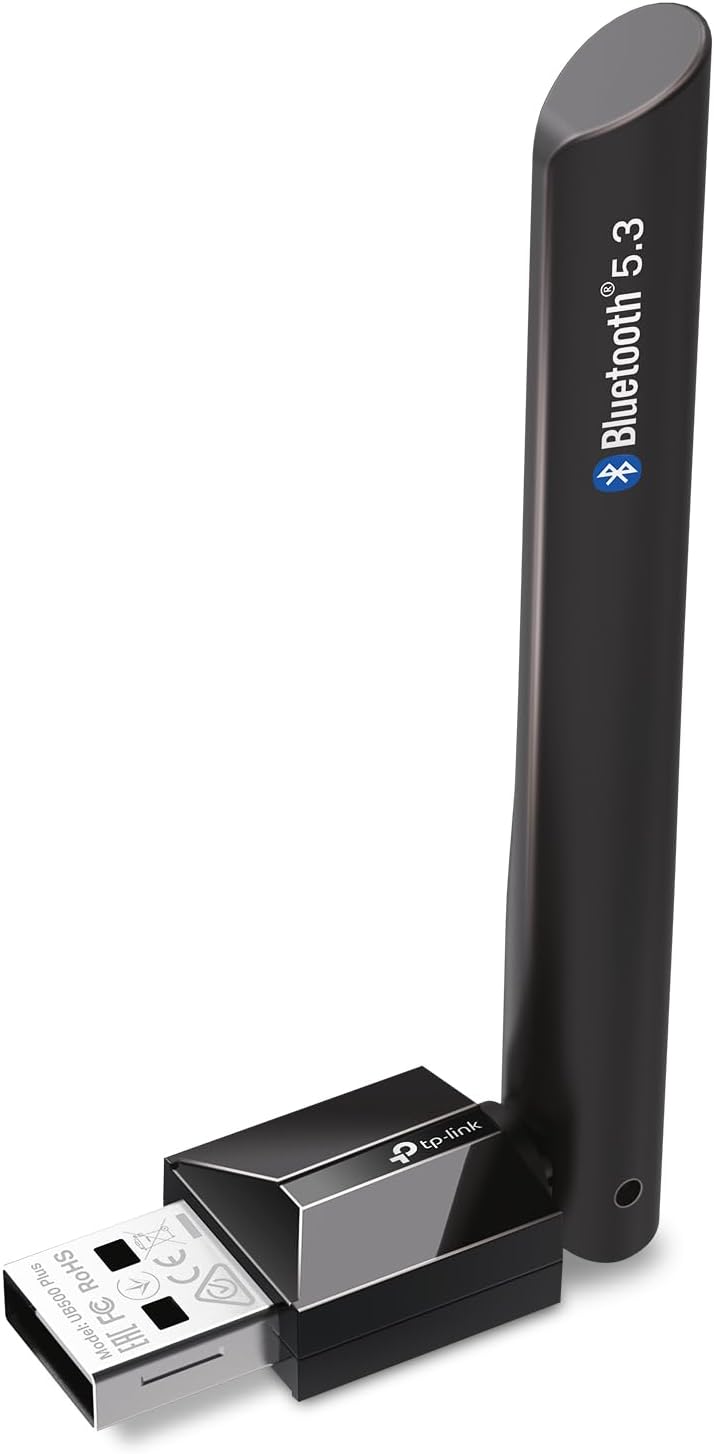
4. TP-Link USB Bluetooth Adapter for PC
- Brand: TP-Link
- Manufacturer: TP-Link
The TP-Link UB500 Plus is a premium Bluetooth adapter featuring Bluetooth 5.3 technology and an adjustable external antenna for extended range and improved signal stability. It supports a wide range of devices, including controllers, printers, and audio peripherals. The adapter’s plug-and-play functionality and compact design make it user-friendly, while its energy-efficient BLE technology ensures low power consumption.
In testing, the UB500 Plus demonstrated exceptional range and connection stability, outperforming competitors in environments with physical obstructions. The adjustable antenna allows users to optimize signal strength, making it ideal for larger spaces. However, its larger size compared to nano adapters may be less convenient for laptop users. This adapter is perfect for users who prioritize range and signal reliability in their Bluetooth connections.
Pros
- Bluetooth 5.3 with extended range and signal stability
- Adjustable antenna for optimized performance
- Supports a wide range of devices
- Energy-efficient BLE technology
Cons
- Larger size compared to nano adapters
- Premium price point
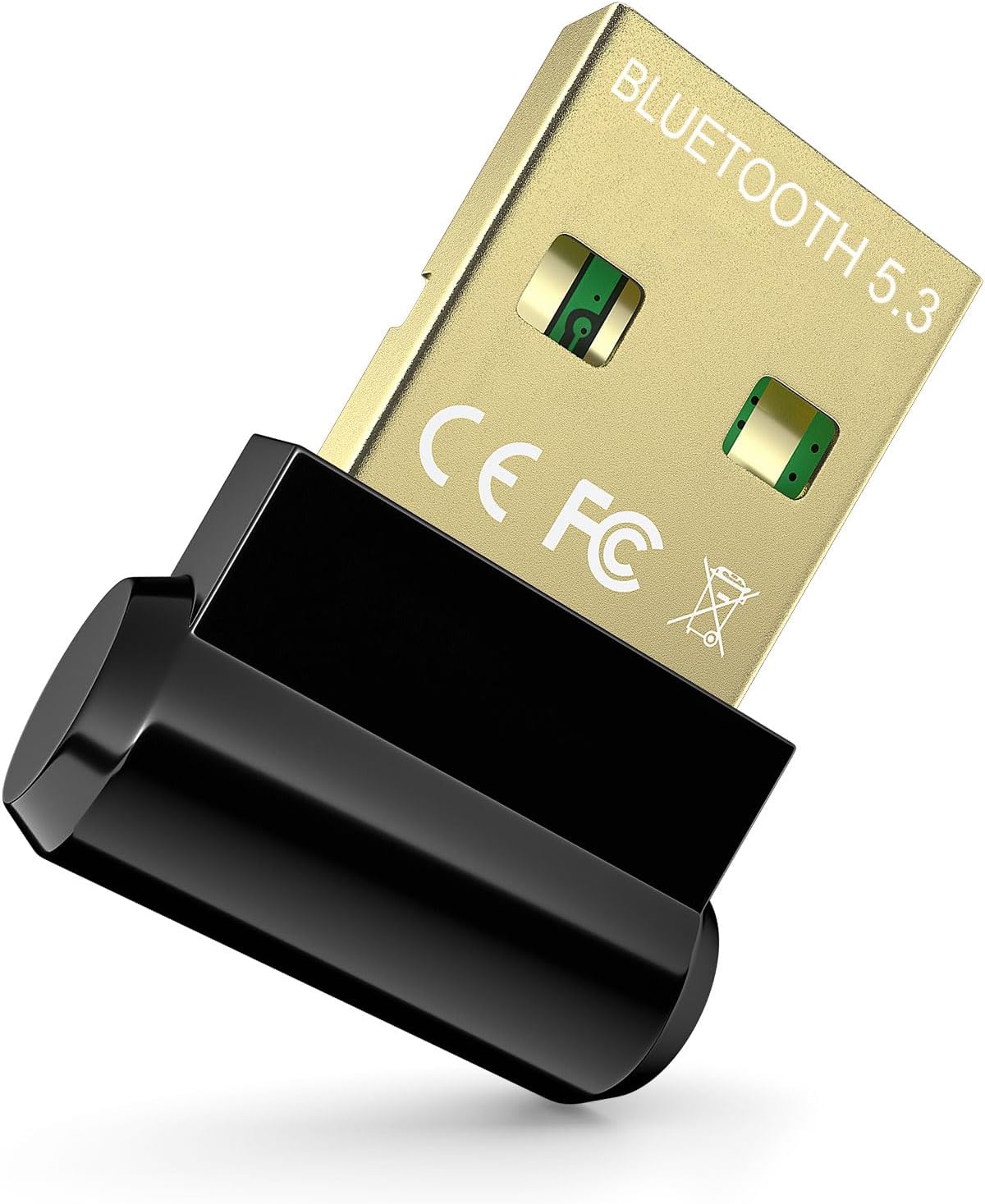
5. Bluetooth Adapter for Desktop PC
- Brand: Techkey
- Manufacturer: Techkey
The Techkey Bluetooth adapter is a budget-friendly option that offers Bluetooth 5.3 technology for enhanced stability and reduced interference. Its ultra-small design makes it highly portable and unobtrusive. The adapter supports a variety of devices, including headphones, keyboards, and mice, and provides a transmission range of up to 30 meters in open spaces.
During testing, the Techkey adapter performed admirably for its price, delivering stable connections and decent data transfer rates. However, its limited compatibility with Mac, Linux, and gaming consoles restricts its versatility. The adapter is best suited for users seeking an affordable solution for basic Bluetooth connectivity on Windows PCs.
Pros
- Budget-friendly price
- Bluetooth 5.3 for stable connections
- Compact and portable design
- Decent transmission range
Cons
- Limited compatibility with non-Windows systems
- Basic features compared to premium models
Frequently Asked Questions
We’ve compiled answers to the most common questions about usb bluetooth adapterss to help you make an informed decision.
Conclusion
Choosing the right usb bluetooth adapters can truly enhance your game.
It offers convenience and makes walking the course easier. With various options available, it’s important to consider your needs.
Think about the cart’s weight, stability, and storage features. A good push cart can save you energy..